Dieser Artikel bezieht sich auf das Produkt Professional Email (powered by Titan). Wenn Sie ein Professional Email Indiviudal oder Teams nutzen bzw. ein Microsoft 365, gehen Sie bitte auf unsere FAQ Startseite
https://www.hosteurope.de/faq/ und wählen Sie dort den richtigen Produktbereich Professional Email oder Microsoft 365 aus. Dort finden Sie die passenden Informationen.
In diesem Artikel finden Sie Informationen wie man ein Professional E-Mail Konto in der Titan E-Mail App auf einem iOS- oder Android Gerät einrichten kann.
Einrichtung Titan E-Mail-App auf einem iOS-Gerät (iPhone) oder einem Android:
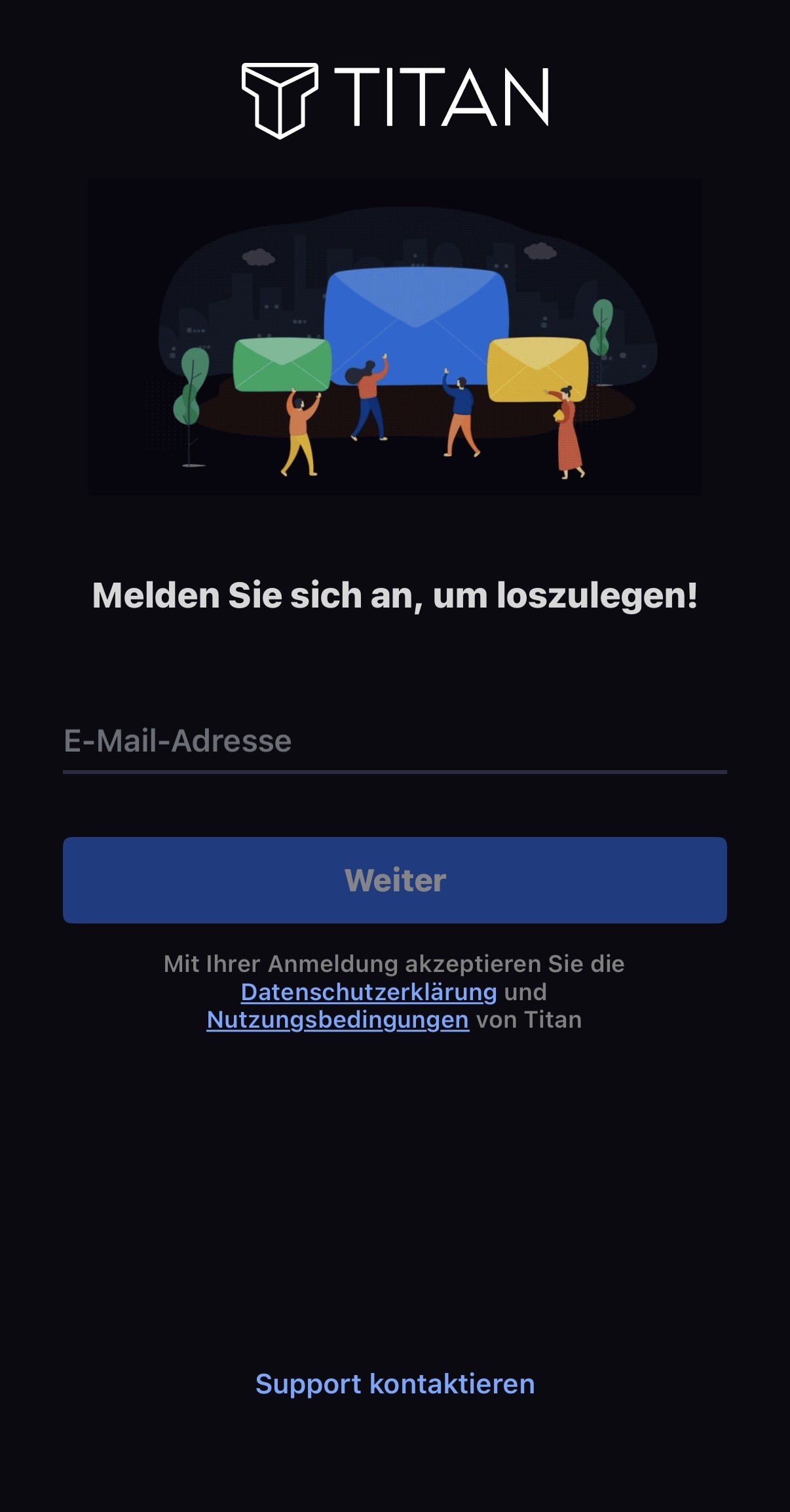
Öffnen Sie die Titan-App welche Sie aus dem App-Store Ihres Smartphones installiert haben. Sie werden nach dem Öffnen aufgefordert Ihre E-Mailadresse einzugeben:
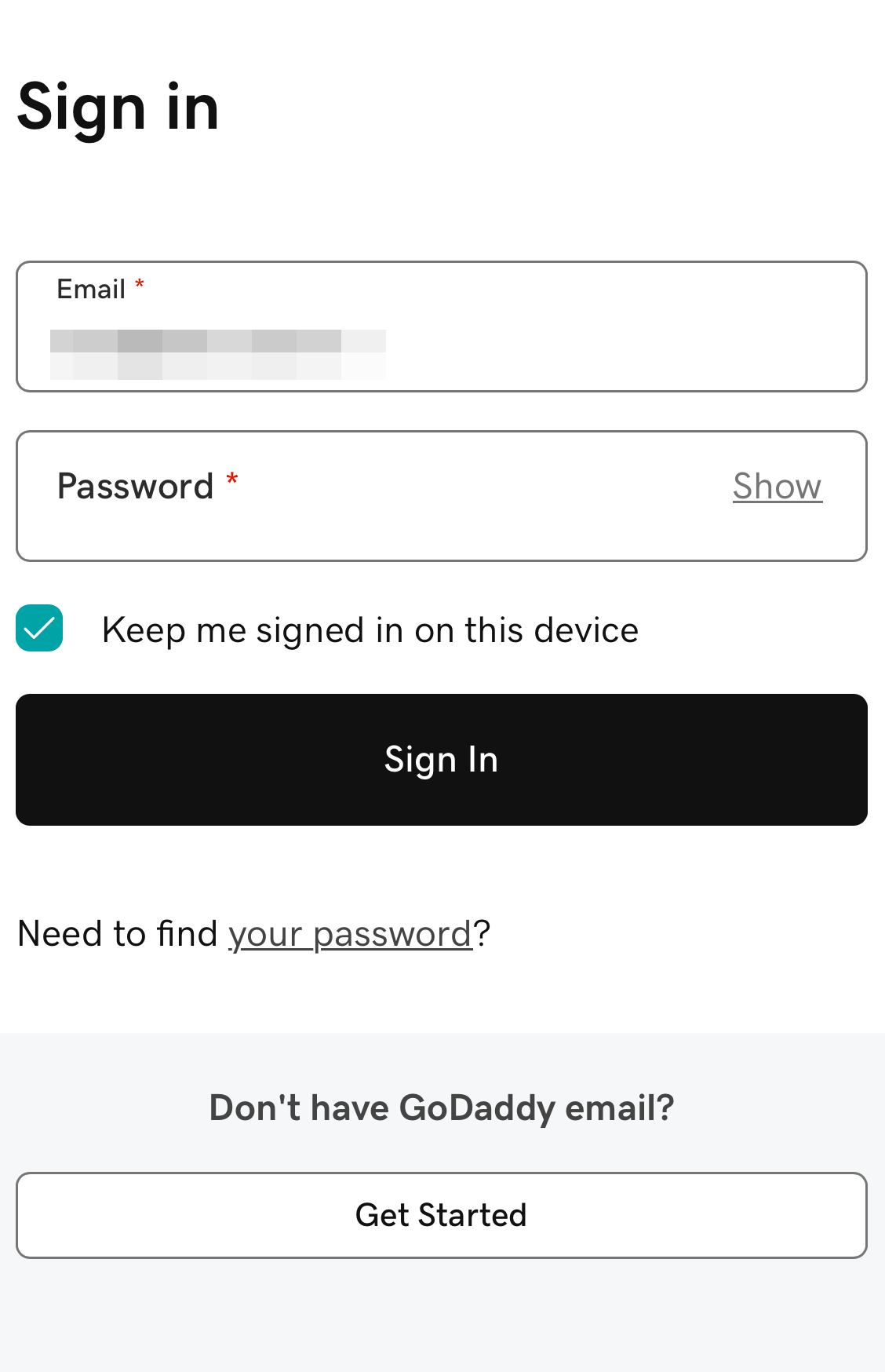
Nach dem Klick auf Weiter müssen Sie das Passwort zu Ihrer E-Mailadresse eingeben:
Das Konto ist nun eingerichtet.
English Version:
How can I set up my Professional Email (powered by Titan) in the Titan app for iOS and Android?
This article refers to the Professional Email product (powered by Titan). If you use Professional Email Individual or Teams or Microsoft 365, please go to our FAQ homepage https://www.hosteurope.de/faq/ and select the correct product area, Professional Email or Microsoft 365. There you will find the relevant information.
Setting up the Titan Email App on an iOS device (iPhone) or Android:
Open the Titan app that you installed from your smartphone’s app store. After opening the app, you will be prompted to enter your email address:
After clicking Next, you will need to enter the password for your email address:
Your account is now set up.